
I’ve spent the last 8 months building a SwiftUI like engine that renders in the terminal. Today, I think it’s time for a reveal. Let me introduce you to SwiftTUI.
Startup
Like every project, it comes to the import part. You can start by creating a macOS executable target and add SwiftTUI as a dependency.
Just like you would expect in SwiftUI, the entry point of your program is the App protocol. It looks identical to SwiftUI, but there is no Scene because you design your app for a single window.
import SwiftTUI

@main
struct MyApp: App {
    var body: some View {
        ContentView()
    }
}
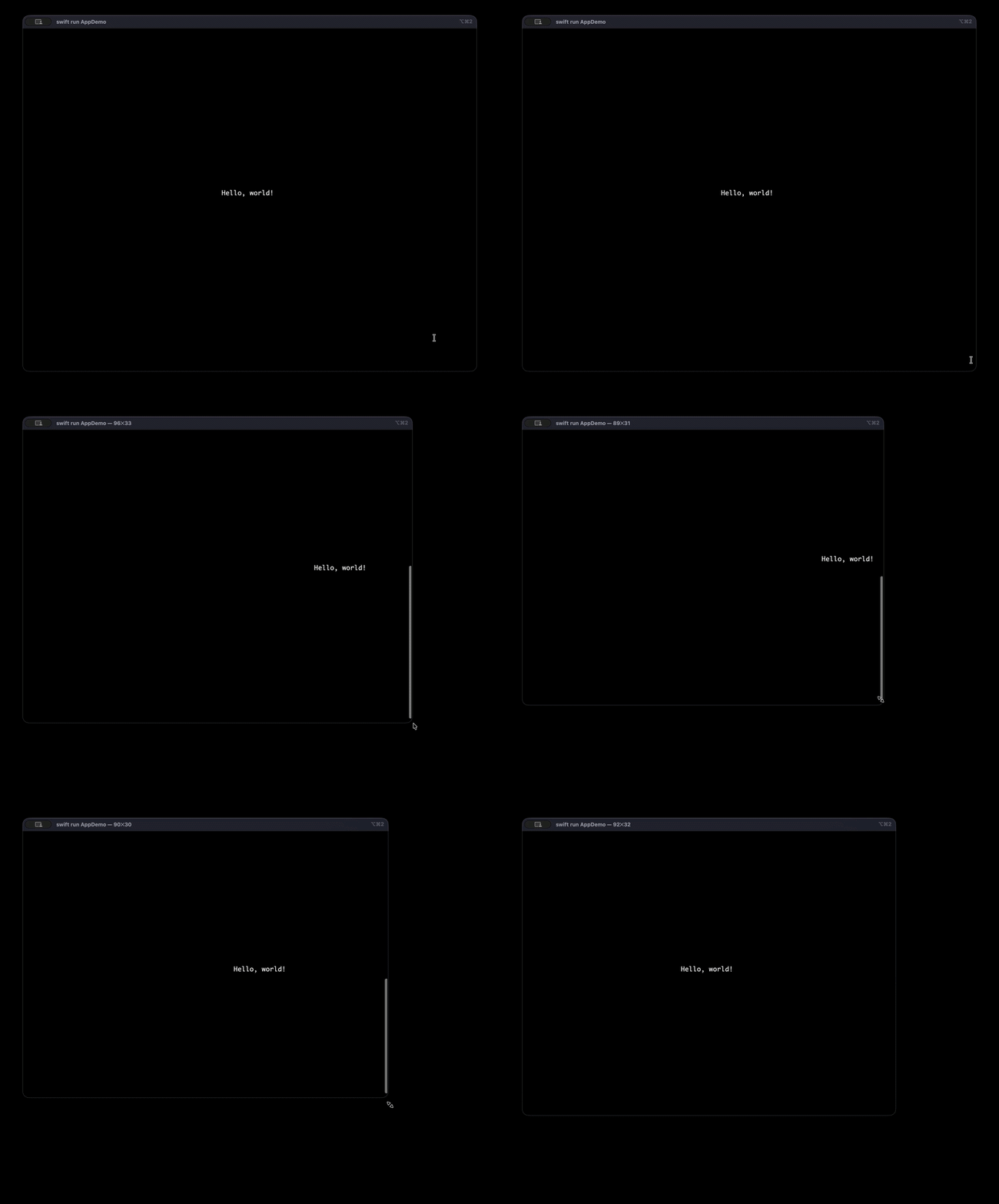
Creating a view mimics the behavior of SwiftUI. Everything is centered and responds to window resizing.
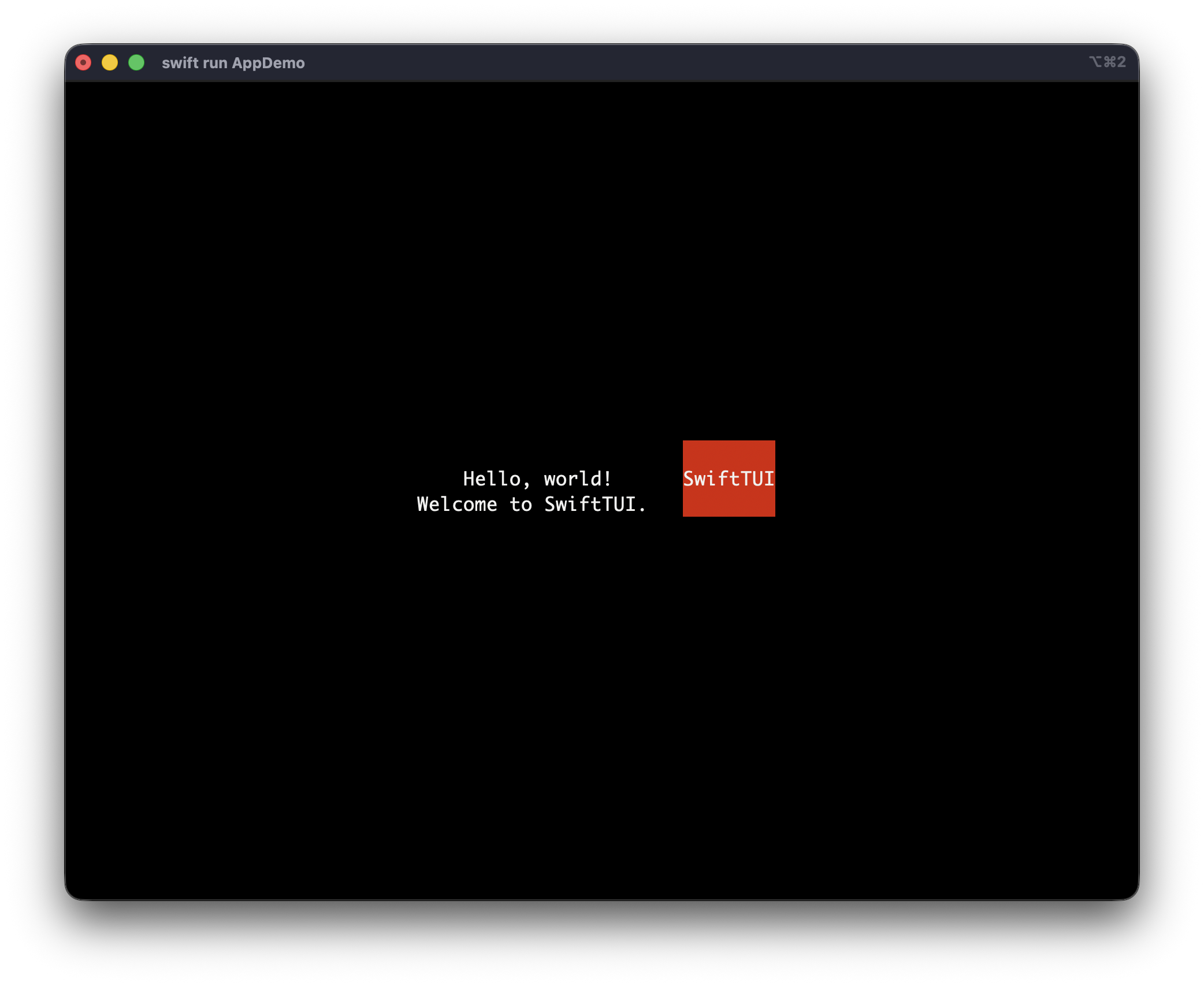
Layout is identical too. You can work with VStack, HStack, ZStack, alignment and spacing.
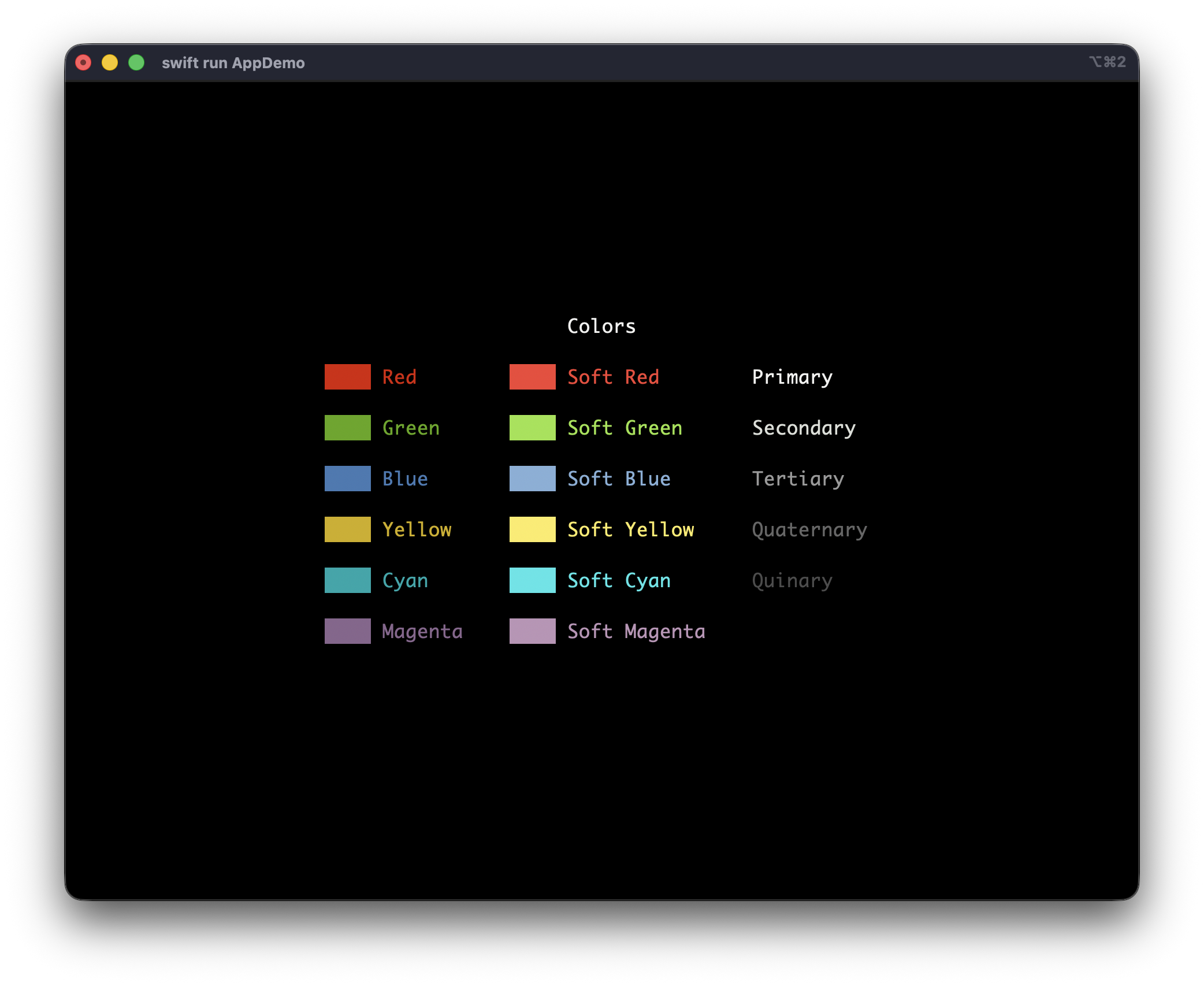
You can also play with element styling.
Controls
One important side of this project is controlling UI elements. This is very different from classical user interface. While I tried to stay consistent with SwiftUI, you’ll notice some details that are not identical. Those are not technical choices, but rather intentional decisions to better fit how we use terminal user interfaces.
SwiftTUI is bundled with Buttons and TextFields as well as a fully capable focus engine.
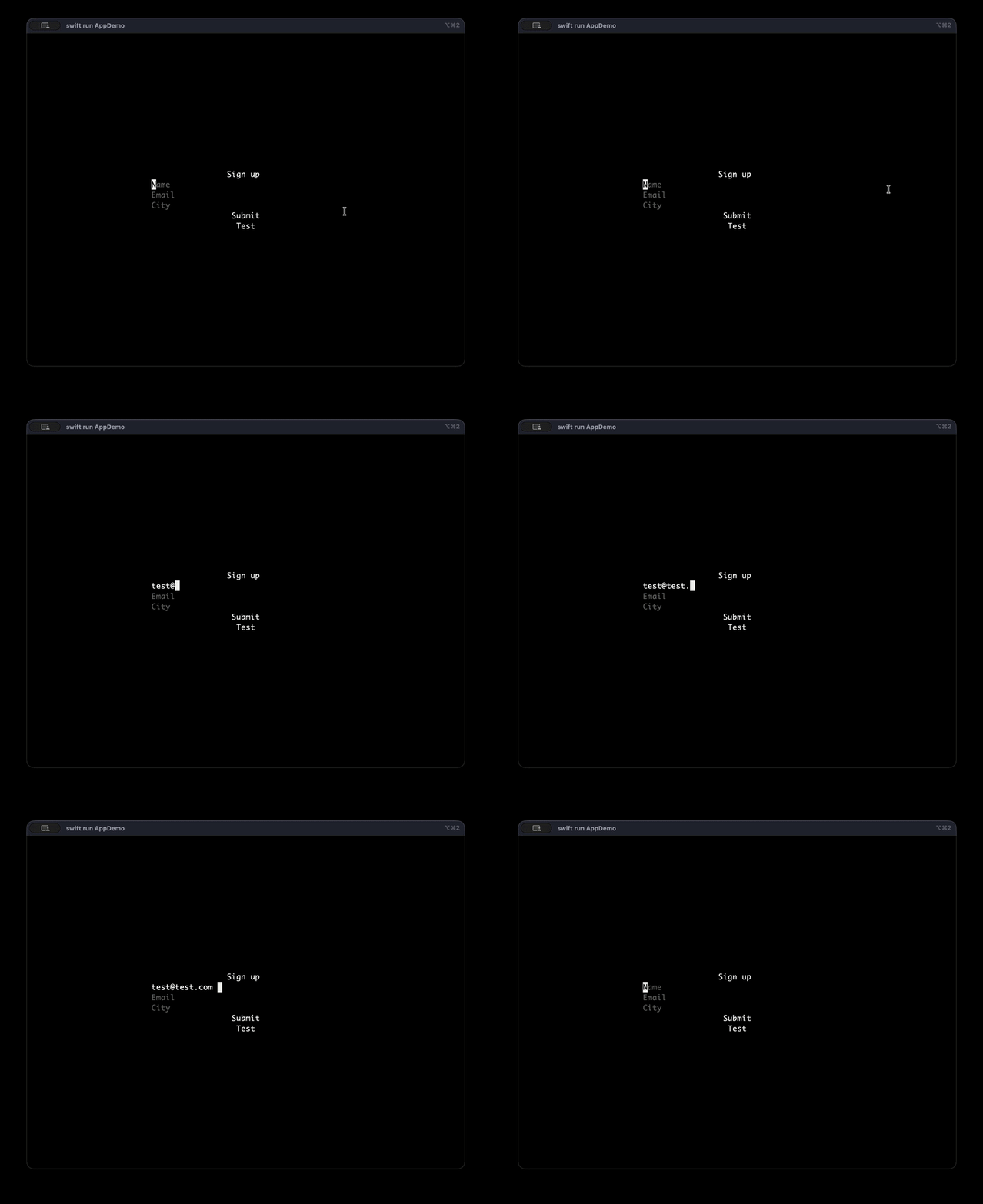
struct FormView: View {
    let onSubmit: @MainActor @Sendable () -> Void

    @Binding var name: String
    @Binding var email: String
    @Binding var city: String

    @Focus private var focus

    var body: some View {
        VStack {
            Text("Sign up")

            VStack {
                TextField("Name", text: $name)
                    .frame(width: 40)
                TextField("Email", text: $email)
                    .frame(width: 40)
                TextField("City", text: $city)
                    .frame(width: 40)
            }
            .focusGroup()

            Button("Submit", action: onSubmit)
            Button("Test") {
                focus(.clear)
            }
        }
        .onSubmit(onSubmit)
    }
}
All these controls are built around primitive keyboard modifiers.
Text("Hello, World!")
    .onKeyPressed(.character("s"), modifiers: .command) { event in
        handleKey(event)
    }
Engine
SwiftTUI is built with no dependencies at all. I wanted to dive into recreating a full Attribute Graph engine. Sure, everything is not as polished and optimized as the real Attribute Graph and SwiftUI. But I spent a lot of time tweaking and optimizing the engine so it feels like a terminal app : fast and performant leaving your code upfront.
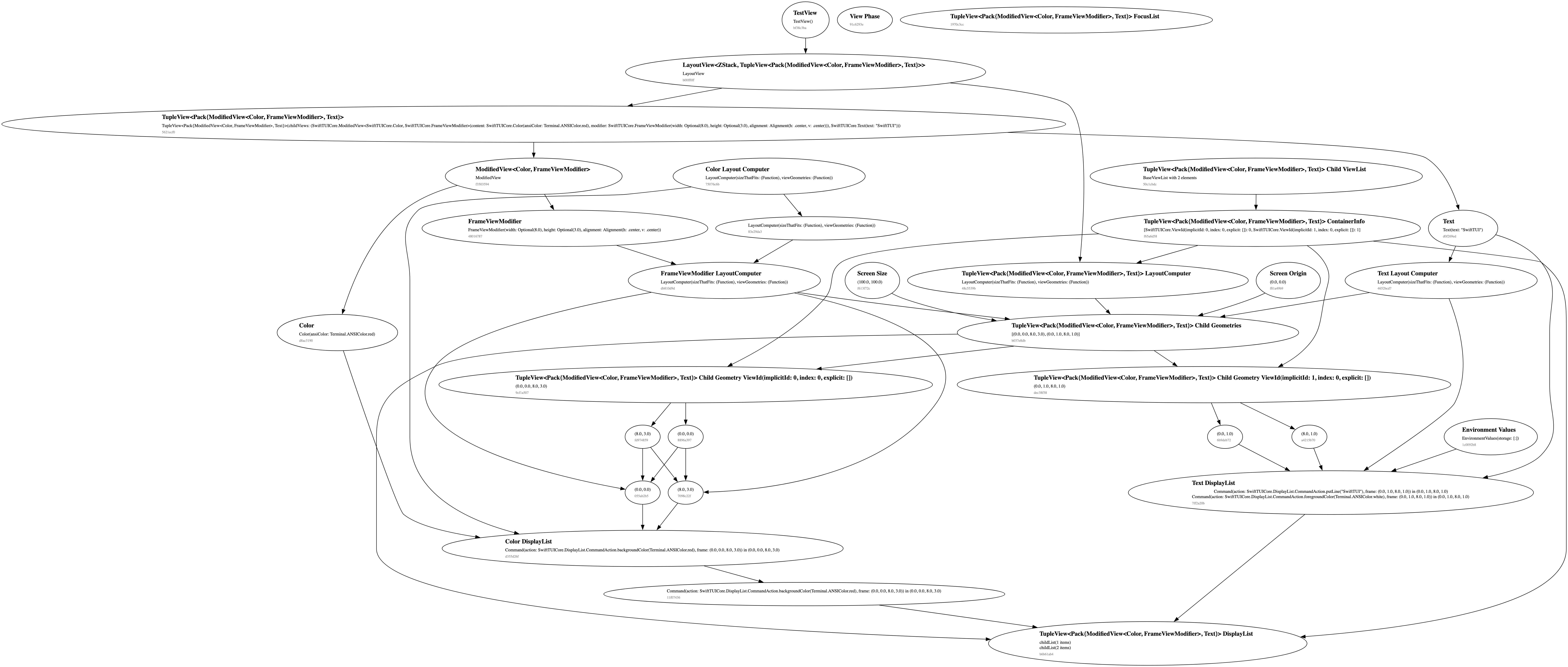 The Attribute Graph engine that is the foundation of SwiftTUI. It’s built from scratch, with no dependencies.
I worked on performances with Nicolas Dominati. He was developing a chess app and wanted it to run on the terminal. I will never thank him enough for his trust in my project. With his heavy testing, he reported several essential bugs and performance issues I would never find by testing alone. I can now confidently say that you can expect good performances with SwiftTUI.
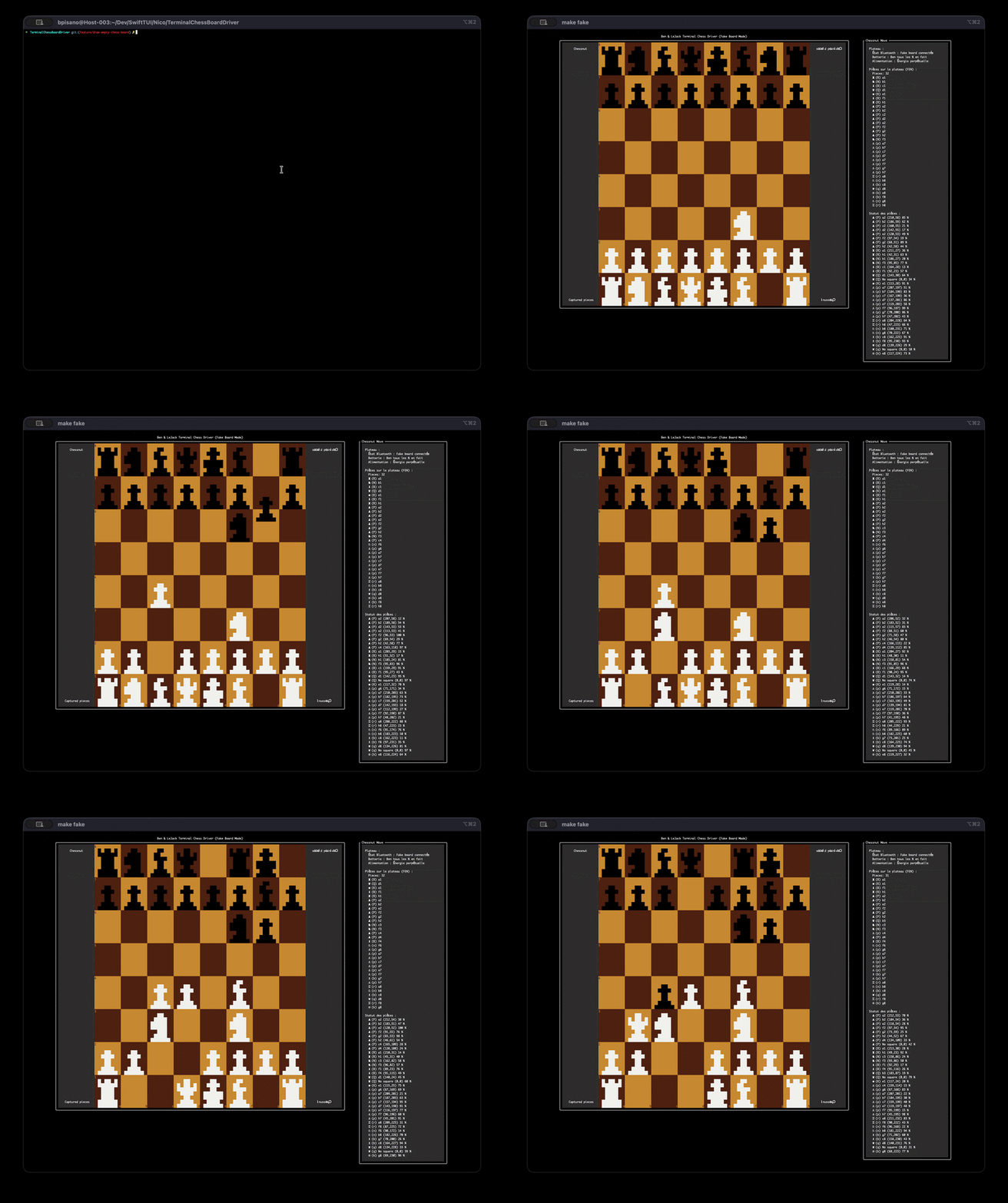 This chess app contains hundreds of views. The border around the board are composed with multiple ForEach because the
 .border modifier is not implemented yet. The app runs without any performance issue. It’s a great example of what you can expect with SwiftTUI.
I have to sincerely thank objc.io and OpenSwiftUI which gave me the inspiration and the knowledge needed to build this engine.
What’s next
There is a looooot to tell about this package. I’ll try to wrap the whole story inside other blog posts. If you want to hear it, make sure to subscribe to the RSS!
SwiftTUI is still very much in progress, but you can try it now on GitHub. Features are limited. For the release, I focused on having strong foundations. There is still a long way to go but I think we can make it together. I’d love to hear your feedback, your concerns and your ideas. If you try it, feel free to share what you’ve built!